Pair and Manage
Link a Roku display by QR code or device code, then manage its saved configuration from a phone or PC.
Managed Dashboard Displays
Quick Web Board links Roku and browser-based displays to a hosted control service, then gives operators one place to set pane URLs, layouts, authentication, and refresh behavior.
Capabilities
Operators pair a screen, assign content to visible panes, choose refresh behavior, and keep the configuration on the hosted backend.
Roku does not provide a general-purpose browser. Quick Web Board renders dashboard snapshots on the server when direct display is not available.
Link a Roku display by QR code or device code, then manage its saved configuration from a phone or PC.
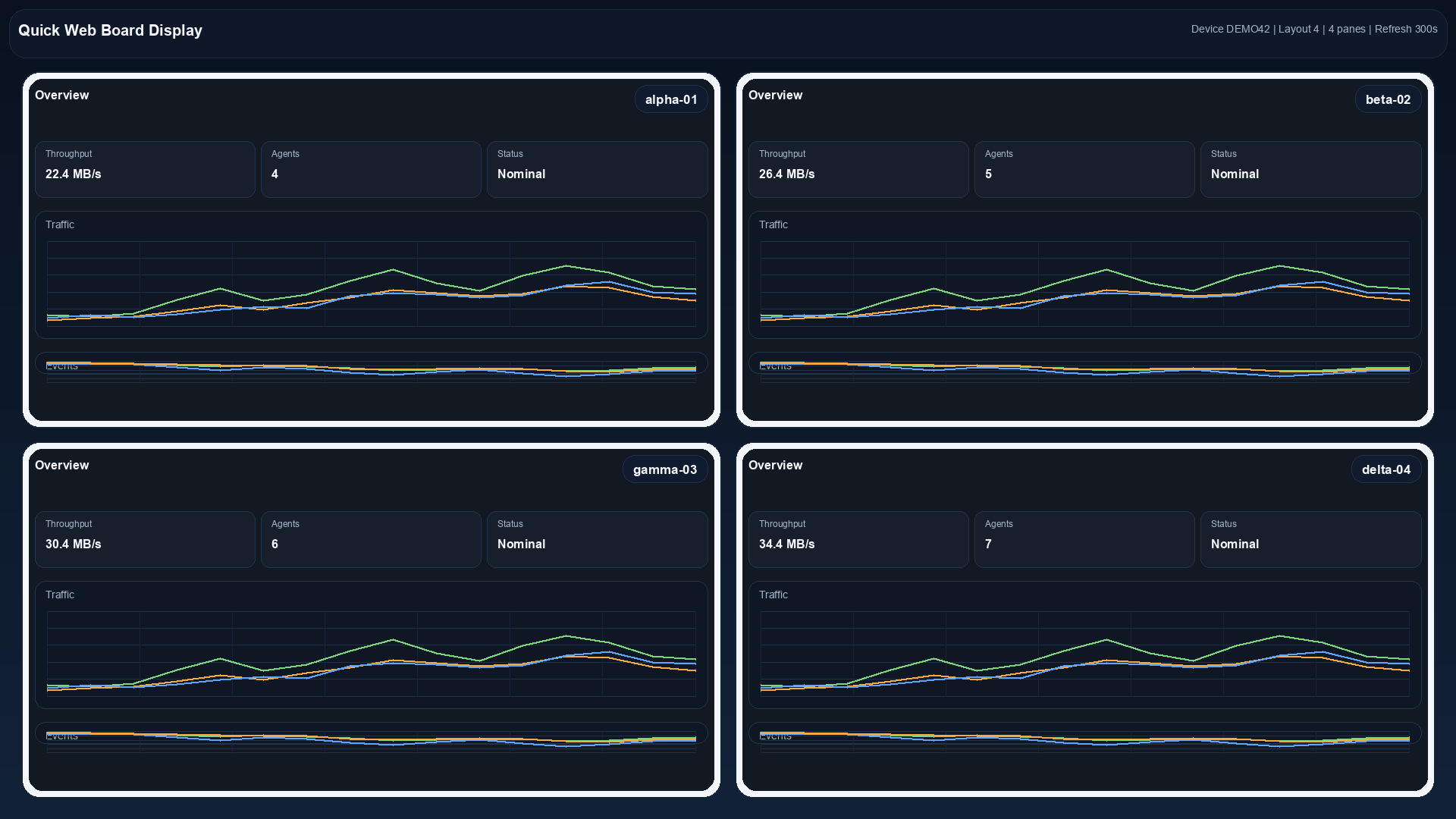
Run one full-screen pane, two side-by-side panes, or a four-pane grid with one target URL per pane.
Use server-side snapshots with supported basic, Grafana, bearer-token, cookie, or custom-header authentication.
Deployment
The backend stores display configuration, serves browser control and display pages, and renders pane snapshots for Roku through headless Chromium. Web Tech can plan the host, display network access, authentication, update path, and operating handoff.
Typical Engagement
List dashboards, target screens, locations, networks, credentials, and display owners.
Choose display clients, pane layouts, refresh behavior, rendering mode, and authentication.
Install the backend, pair screens, load configurations, and validate the actual dashboard views.
Document display recovery, credential ownership, updates, backups, and support responsibilities.
Managed Displays
Send the dashboard types, display count, locations, authentication requirements, and the people who will operate them.